Windows 10 fake update
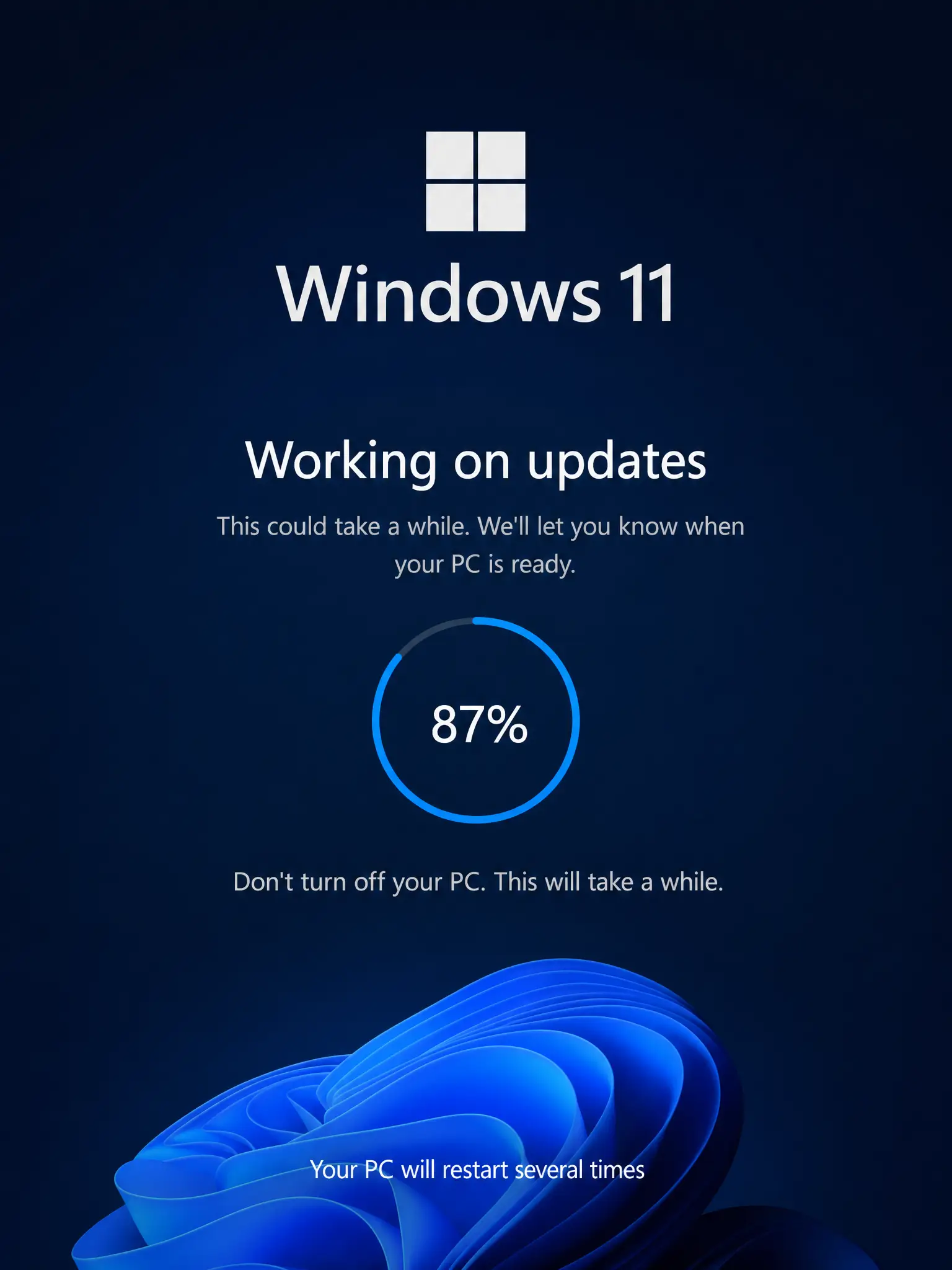
A pixel-perfect Windows 10 update screen, complete with the slow percentage crawl. Set it up before someone's coffee break for maximum effect.
Working on updates 8% complete.
Don't turn off your PC. This will take a while.
Your PC may restart several times
Click anywhere or press Esc to exit
Used for
How to use it
-
Set the scene
Open this page on their computer and press Fullscreen (or F11). The screen fills edge to edge.
-
Walk away
Push the mouse pointer to a screen edge, leave the room, and let the scene do the work.
-
Reveal it
Click anywhere or press Esc to exit. Nothing was installed or changed on the computer.
Frequently asked questions
- How do I use the fake Windows 10 update prank?
- Open this page, press Fullscreen or F11 and leave the computer. It looks like Windows is installing updates: the dots spin and the percentage creeps up by about 1% every half minute, stalling at 99%.
- Can I use it to step away from my desk?
- Some people leave it on screen during a break so the computer looks busy. Remember it is only a web page: your PC is not updating or locked, so lock it properly if privacy matters.
- How do I close the fake update screen?
- Press Esc or click anywhere. If needed, press F11 to leave full screen or close the browser tab.
You might also like
You might also like
Screens close to this one — pick whichever fits the moment.