Blue Screen of Death
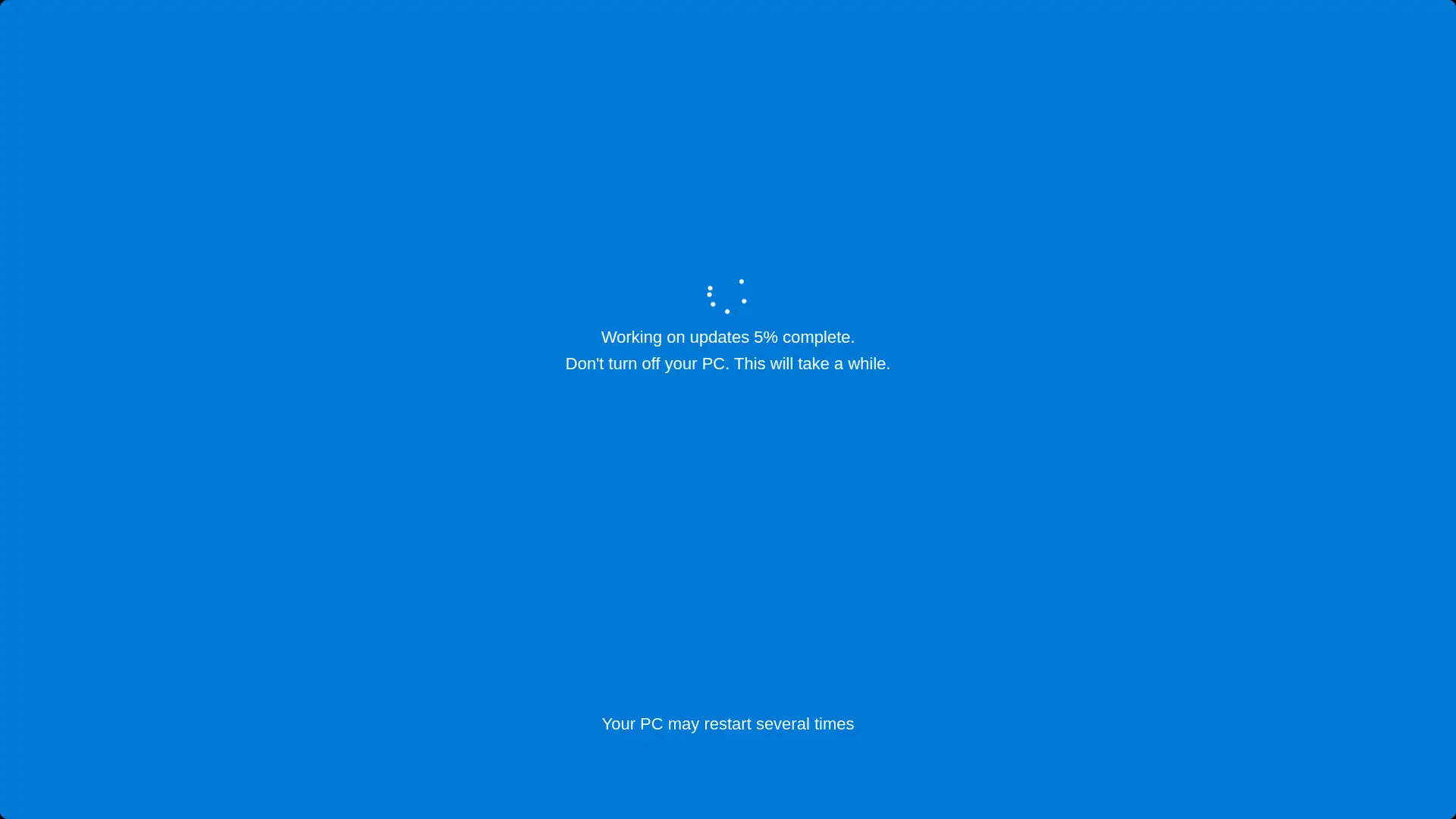
A pixel-perfect Windows Blue Screen of Death. Set it up before you walk away from a friend's laptop. Click anywhere to escape — they don't need to know that.
Your PC ran into a problem and needs to restart. We're just collecting some error info, and then we'll restart for you.
0% complete
For more information about this issue and possible fixes, visit https://www.windows.com/stopcode
If you call a support person, give them this info:
Stop code: CRITICAL_PROCESS_DIED
Click anywhere or press Esc to exit
Style
Used for
How to use it
-
Set the scene
Open this page on their computer and press Fullscreen (or F11). The screen fills edge to edge.
-
Walk away
Push the mouse pointer to a screen edge, leave the room, and let the scene do the work.
-
Reveal it
Click anywhere or press Esc to exit. Nothing was installed or changed on the computer.
Frequently asked questions
- Is the fake blue screen safe to use?
- Yes. It is just a web page that looks like a Windows crash. It does not install anything, change settings or harm the computer, and it closes the moment you press Esc or click.
- How do I set up the BSOD prank?
- Open this page on the target computer, press Fullscreen (or F11) and walk away. To make it more convincing, move the mouse pointer to the very edge of the screen and turn the brightness up.
- How do I get out of the fake blue screen?
- Press Esc, click anywhere, or press F11 again. Closing the browser tab also works.
You might also like
You might also like
Screens close to this one — pick whichever fits the moment.