Windows 11 fake update
The cleaner, rounded-corner Windows 11 update screen. Same long percentage crawl, more modern panic.
You are 18% there.
Please keep your computer on.
Your computer may restart a few times.
Click anywhere or press Esc to exit
02 / Used for
How to use it
Three steps. One panel. Done in under a minute.
-
01 / 03
Open it full-screen
Click the fullscreen button or press F11 to fill the monitor edge to edge.
-
02 / 03
Dial it in
Tweak the colour, swap presets, or copy the HEX value for later.
-
03 / 03
Save or share
Download a PNG at your monitor's resolution, or share the URL.
03 / You might also like
You might also like
Screens close to this one — pick whichever fits the moment.

Black Screen of Death
The newer, even more confusing relative of the BSOD. Almost no text, just a blinking cursor — perfect for the briefest, most alarming silence.
Broken screen
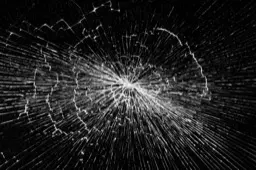
A web of convincing cracks rendered right on the glass. Great for short videos, photo composites, or a really mean April Fool's.
Blue Screen of Death
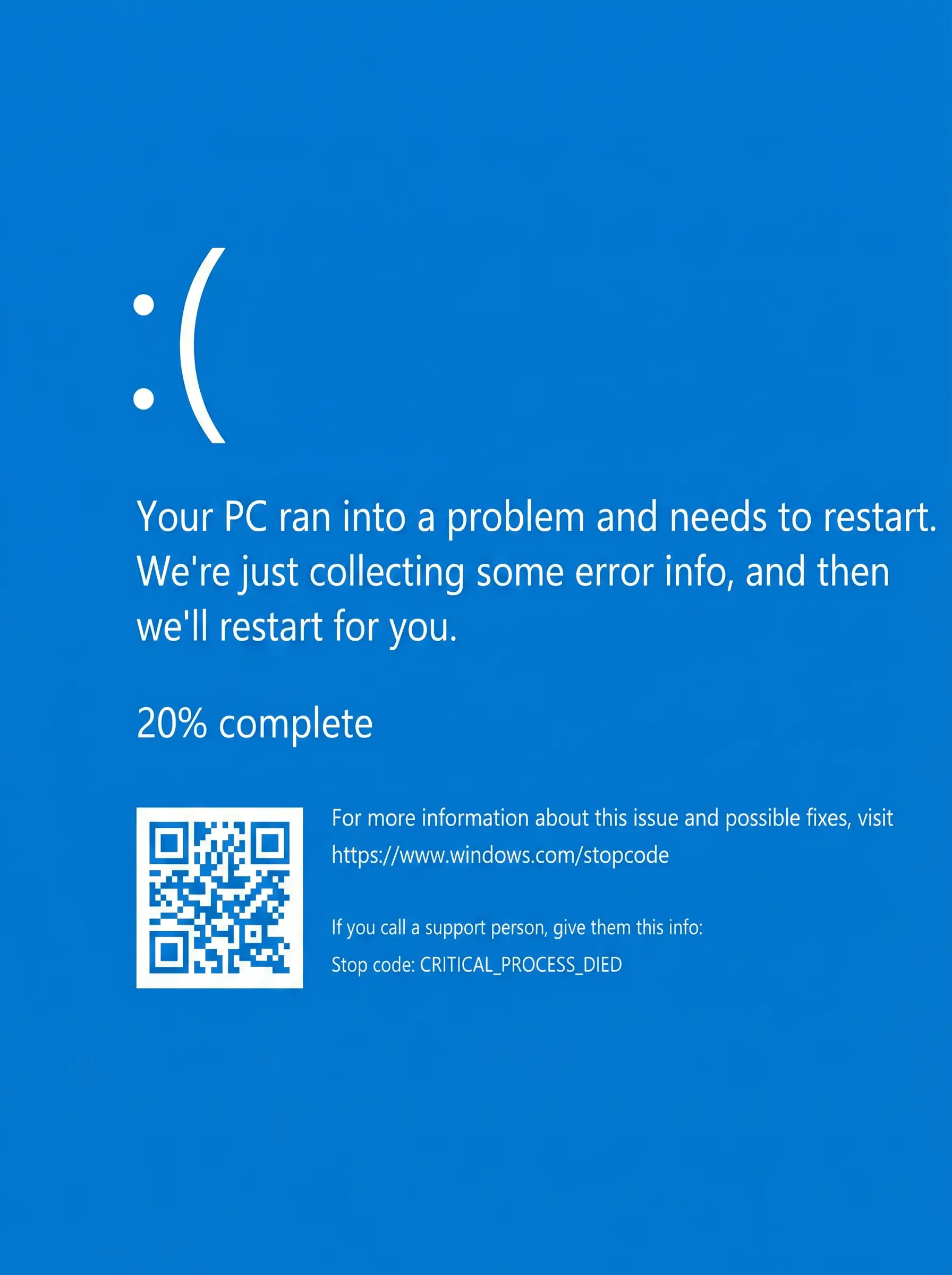
A pixel-perfect Windows Blue Screen of Death. Set it up before you walk away from a friend's laptop. Click anywhere to escape — they don't need to know that.
White noise screen
A flickering noise field with optional audio. Channel old-TV static, kill silence at a film shoot, or do the most retro practical joke around.
Windows 10 fake update
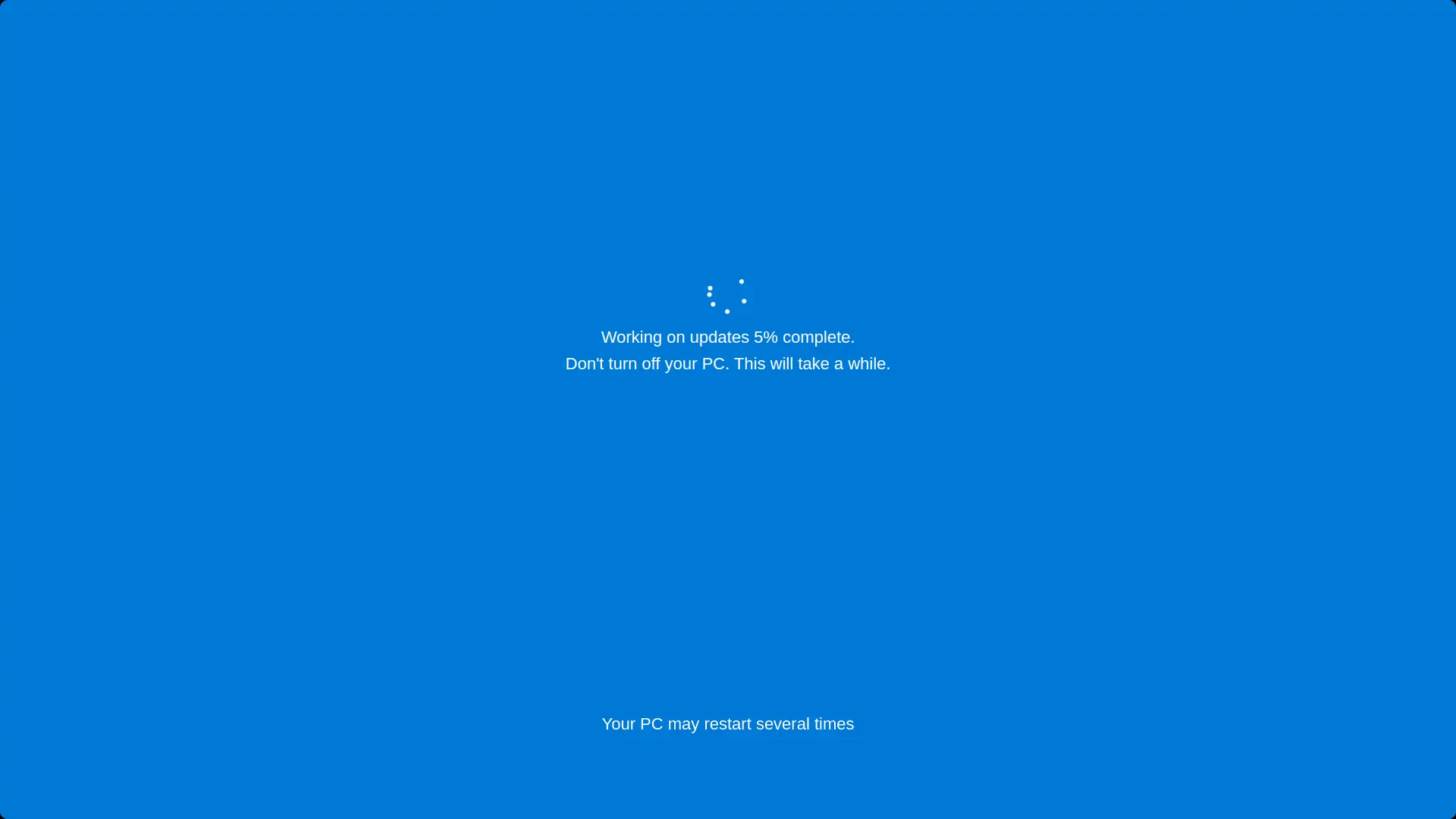
A pixel-perfect Windows 10 update screen, complete with the slow percentage crawl. Set it up before someone's coffee break for maximum effect.
Black screen
Pure black, all pixels off. Rest your eyes, hide a second monitor, save a bit of OLED power, or check for backlight bleed.
Custom colour
Type any HEX, sample with the eyedropper, or tweak with the colour wheel. Export at 4K, 2K or 1080p — straight to PNG.
Flip clock
A nostalgic flip-card clock for your second monitor. Quiet, full-screen, and oddly satisfying — perfect for deep work or sleep timers.